Guide 29
Save evidence for Wi-Fi troubleshooting
Measure the symptom, compare like-for-like conditions and draw a conclusion supported by the recorded evidence.
Where you will workActivity Log · Statistics · Options
AllowDepends on the symptom and observation period
Watch the key steps
This related overview shows keep evidence you can review or share later. Follow the question-specific steps below to complete your investigation.
A 49-second narrated overview. Follow the full instructions below when you try it.
Read the video transcript
Prepare the source view. Set filters and sorting before exporting. In Statistics, choose the radio, period, item and tab. Export and Copy use the current view.
Save a workbook. Choose Export and save the workbook. It preserves the prepared view with editable objects and supporting numeric evidence. Activity Log also offers CSV and text.
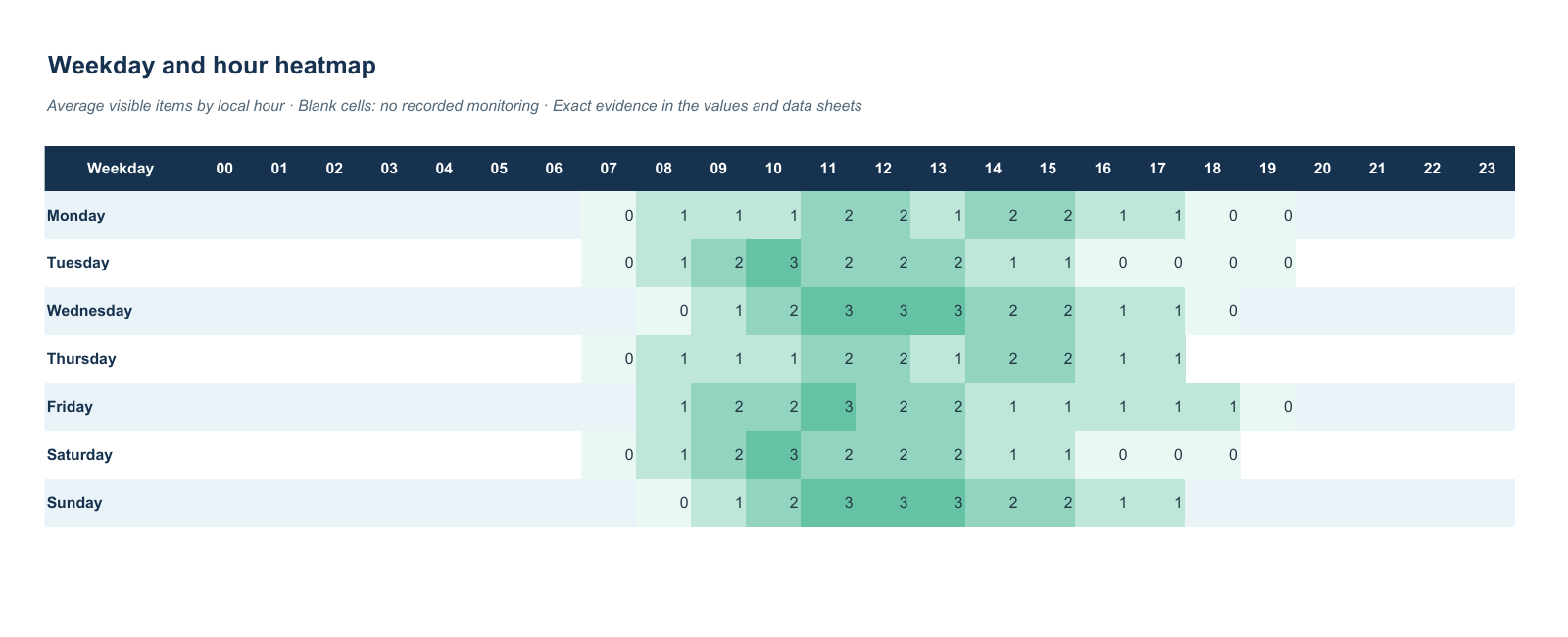
Inspect supporting sheets. Check Item statistics and chart data for exact values. Unavailable metrics remain blank rather than zero. Editing presentation shapes does not recalculate statistics.
Check and share the result. Choose Open to inspect the saved file, or Copy for a quick table. Confirm the filters and rows match your source. Review identifying details before sharing a report.
Open the app view at full size to inspect its controls.
Before you start
Give your result a useful basis
- Use only networks and devices you are authorized to investigate.
- Record the location, time and active connection. Keep useful history and compare similar observation conditions.
Measure
Retain Activity Log history and connection sessions in Options. Run the relevant tool while the symptom occurs; its produced summary is recorded in Activity Log, with Wi-Fi attribution when the same identified connection remains in use.
Compare
Select the incident's time range and relevant networks or devices. Export Activity Log and Statistics with exact times, coverage and numeric values alongside charts; include app version, operating system and the actions you took.
Interpret
Use the report to explain what was observed, what was attempted and what remains unknown. Back up the full local data directory separately when you need restorable history; a workbook is a report rather than an application backup.
Check what you gained
You can now check that
- You have measurements and a comparison relevant to your question, with observation gaps and uncertainties preserved.
Updated by Hotspot Observer · 2 November 2026