Guide 23
Investigate weak Wi-Fi areas
Measure the symptom, compare like-for-like conditions and draw a conclusion supported by the recorded evidence.
Where you will workConnection details · Visible Hotspots · Speedtest
AllowDepends on the symptom and observation period
Watch the key steps
This related overview shows see which nearby wi-fi networks share channels. Follow the question-specific steps below to complete your investigation.
A 40-second narrated overview. Follow the full instructions below when you try it.
Read the video transcript
Start from the nearby list. Open Visible Hotspots and choose Wi-Fi. Clear search and minimum-signal filters for an initial overview from the same location.
Match the network and curve. Select a network to highlight its curve and band. Use the colored legend to select and reveal the matching list row.
Check radio details. Expand Technical details and services to read the reported frequency, band and center channel. Missing fields remain unknown.
Save a comparison. Export the selected band's diagram and filtered rows. Curve widths are illustrative; overlapping curves do not establish interference. Use recorded history to assess stability.
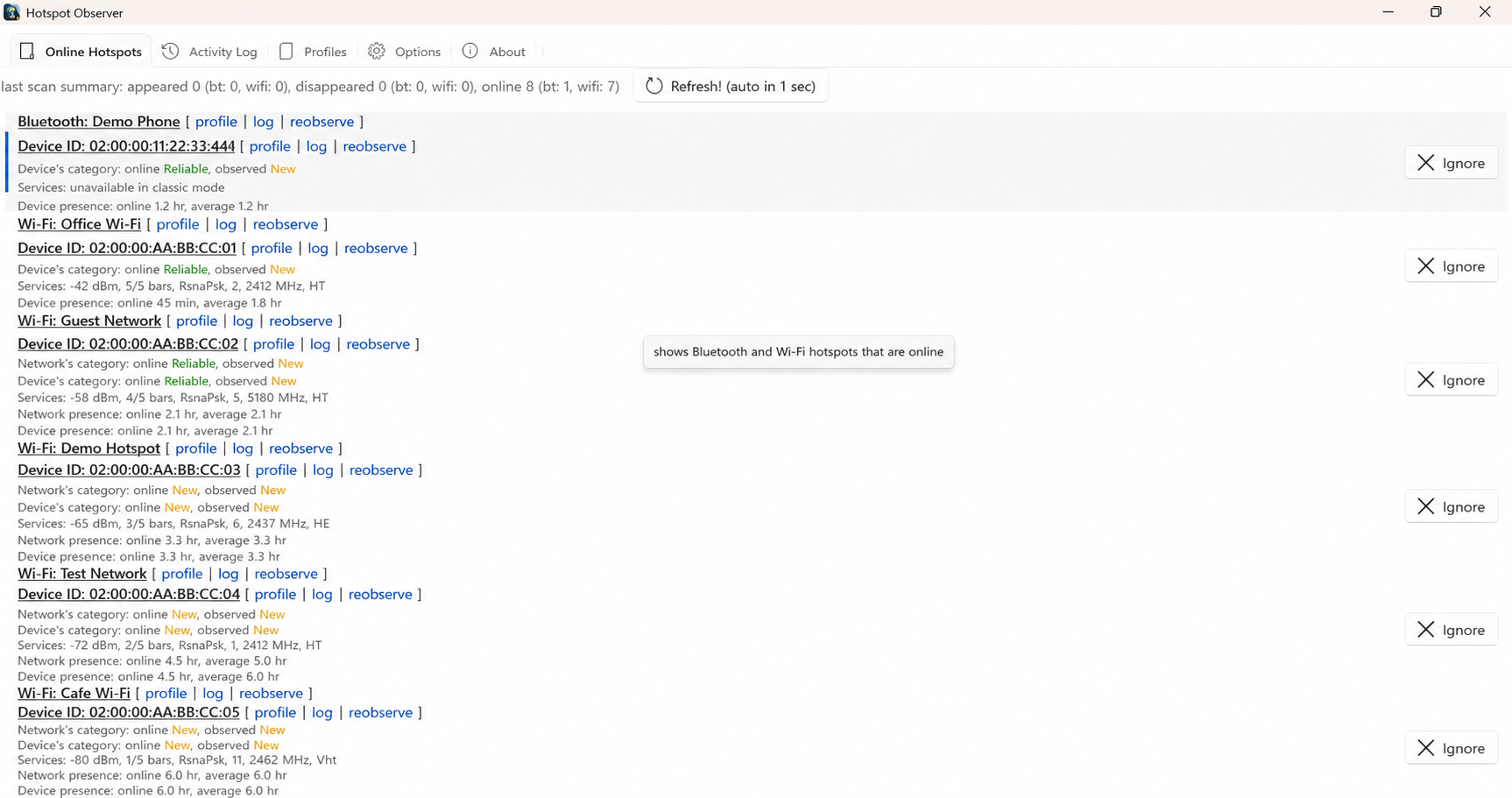
Open the app view at full size to inspect its controls.
Before you start
Give your result a useful basis
- Use only networks and devices you are authorized to investigate.
- Record the location, time and active connection. Keep useful history and compare similar observation conditions.
Measure
Choose repeatable locations and record separate timestamped windows at each. Inspect the same access point's signal bars and value, then measure latency and speed while connected through the intended Wi-Fi route.
Compare
Repeat the route through those locations at relevant times. Keep device orientation, test destination and workload similar; account for automatic roaming between access points and any Ethernet or VPN route.
Interpret
A location with repeatedly worse connection results is a candidate for placement or coverage improvements. Keep weak signal, failed connectivity and slow internet as separate findings.
Check what you gained
You can now check that
- You have measurements and a comparison relevant to your question, with observation gaps and uncertainties preserved.
Updated by Hotspot Observer · 2 November 2026